
v2.0
Yo’s biggest evolution yet.
Window AI, art gallery, scenery quizzes—
the biggest update yet for Atmoph Window Yo is here.
Ask
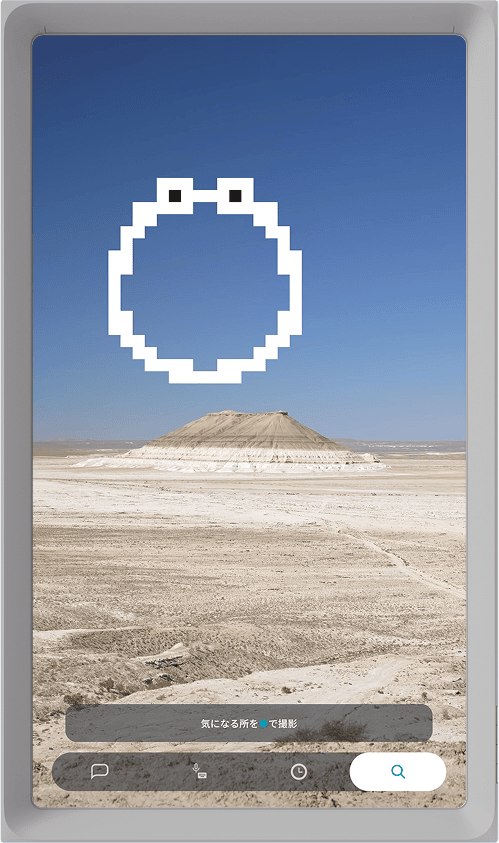
Ask—chat with our Window AI while you enjoy the view—has been greatly updated.
Talk as naturally as you would with a friend on a trip. Ask about the place—or about anything else.
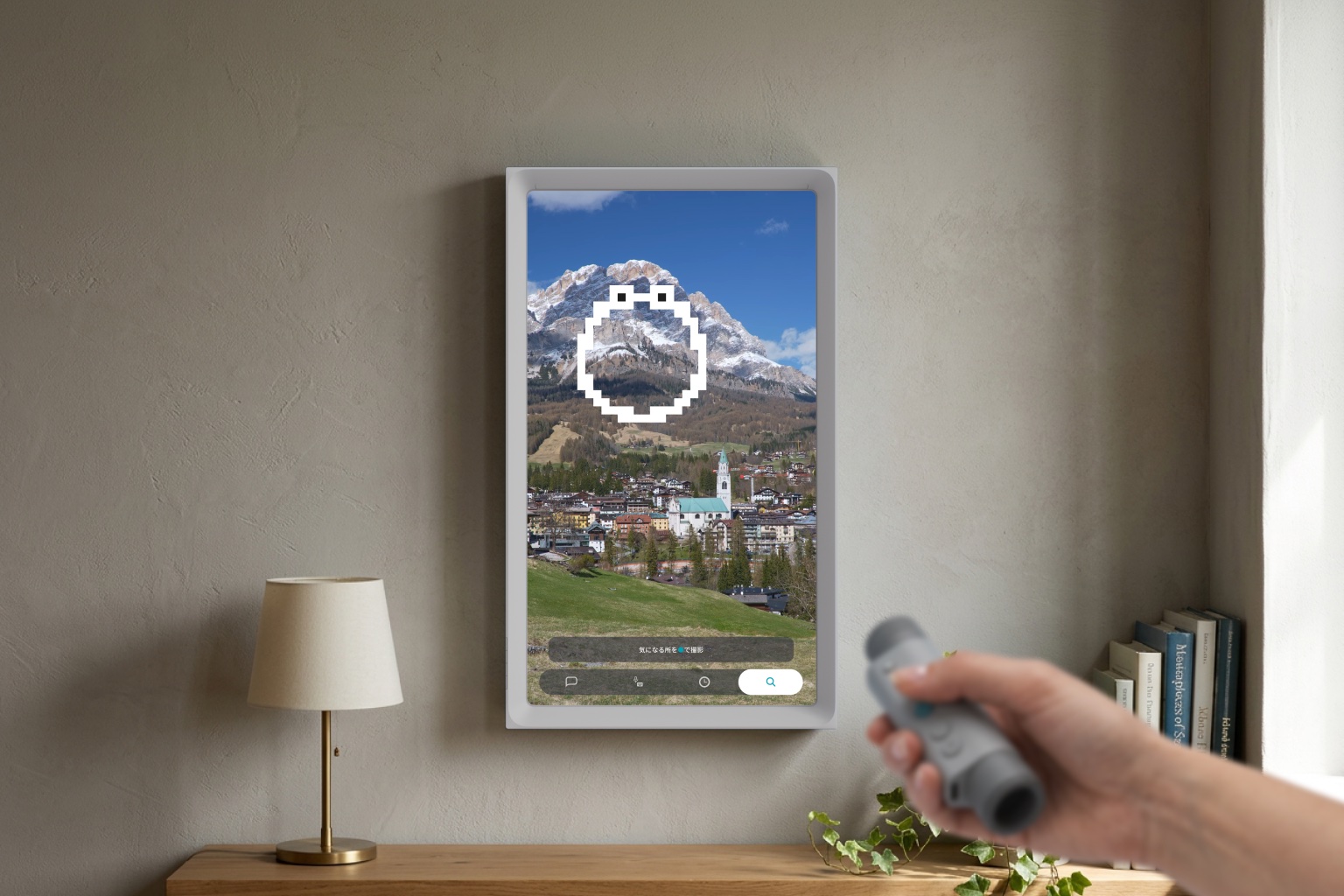
Crop part of the view with Scope and ask “What’s this?”, or pick a question from the fixed conversation palette. With the smartphone app, you can also ask freely by text or voice.
See details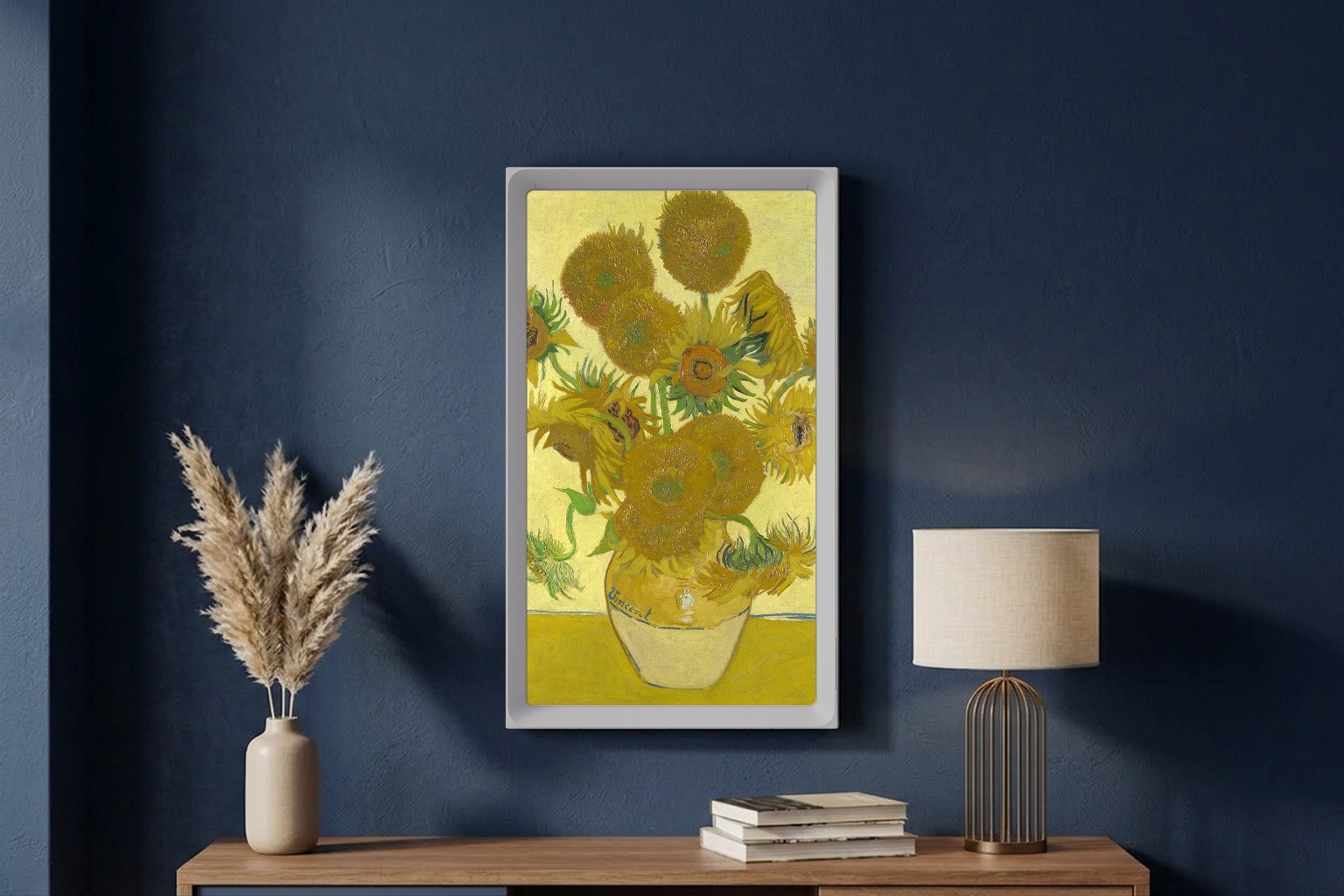
Art Gallery
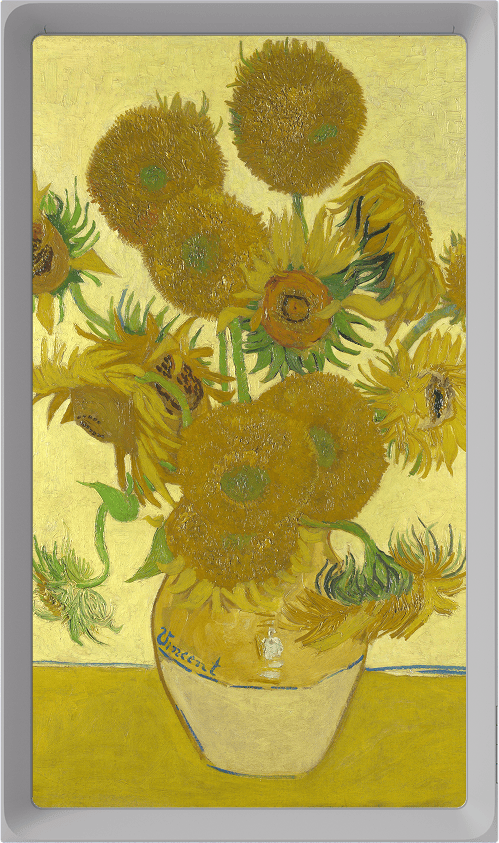
Art has finally arrived on Atmoph Window. Enjoy famous masterpieces by Van Gogh, Monet, and more at home. Use Scope to zoom into details or show a frame. Art in your gallery can auto-switch on an interval, and display options are configurable. The lineup will keep growing—masterpieces and contemporary works alike.
See details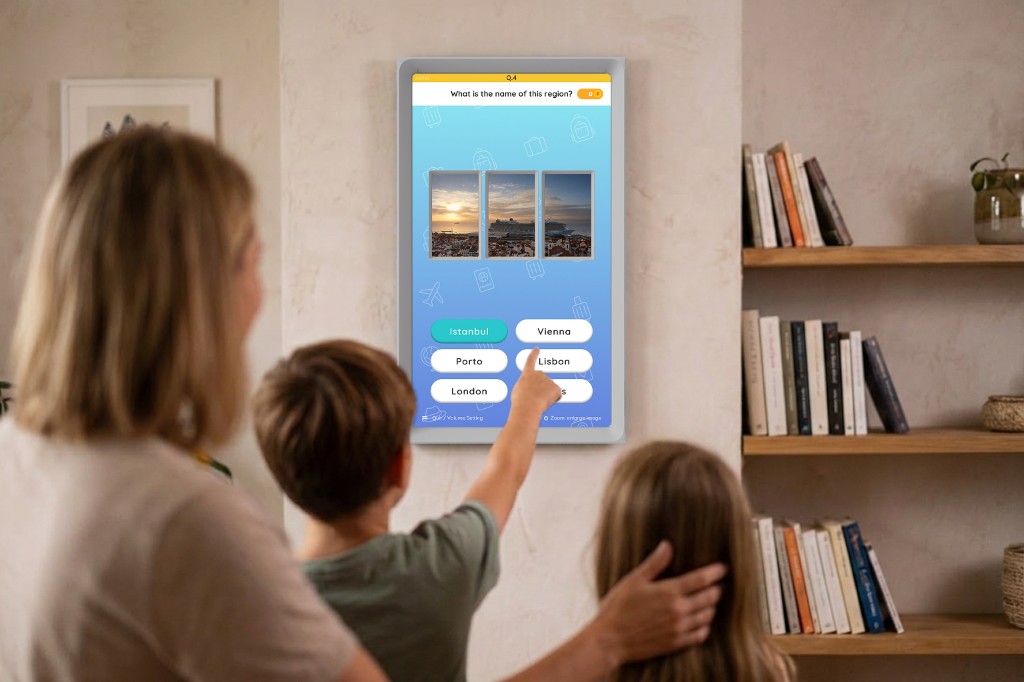
Quiz Atlas
— Road to Grand Master —
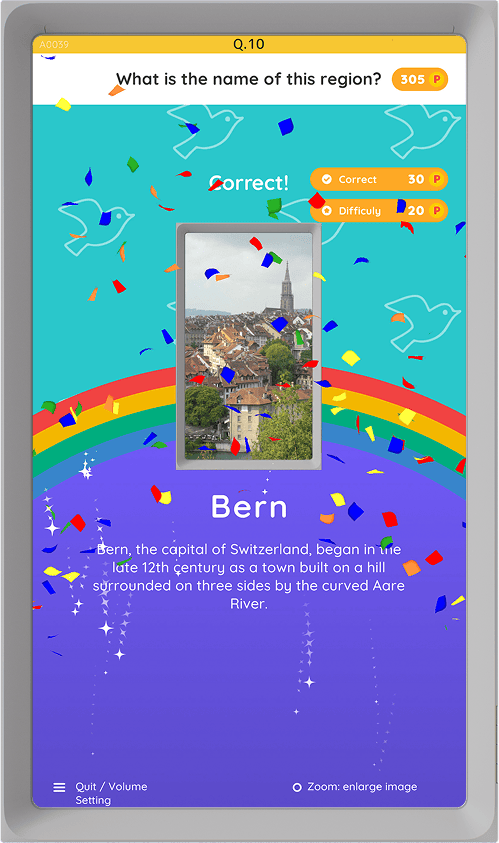
A scenery quiz game has been added. “Which country is this?” “Whose flag is this?” “Is this a museum or a lab?”—quizzes about the views you already enjoy on Atmoph Window. You might fall even more in love with everyday scenery. Misses are fine—500 casual questions in all.
See detailsAnd more.
Flex Panorama
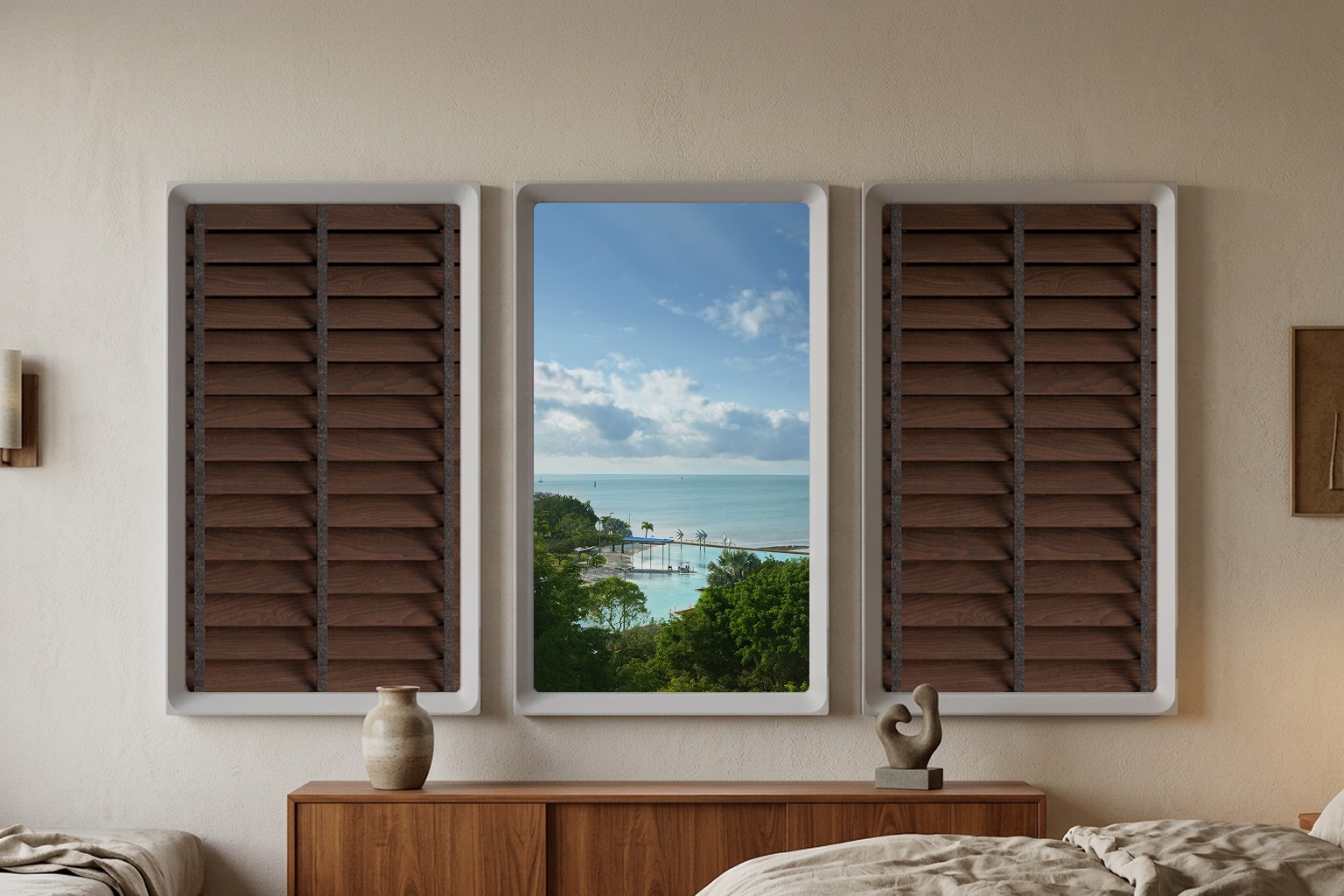
On Atmoph Window, single (or 2x2) views and panorama views (3x1 / 4x1 / 5x1) were separate—so if you used a 3-unit panorama, you couldn’t watch single views. That’s due to aspect ratio; showing a single view as-is is hard. By adding “margins,” panorama users can now enjoy single views too.
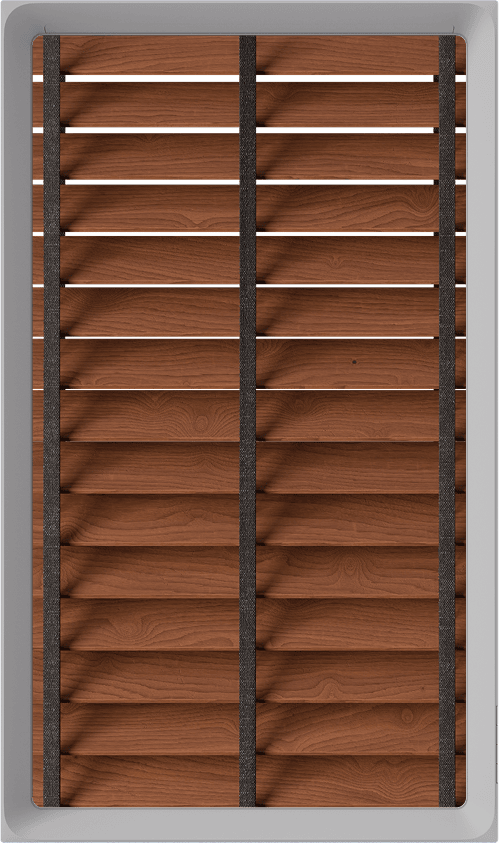
These margins aren’t black bars. A natural window frame appears with the view centered.
In MENU > Settings > Panorama, turn on “Also show views that need margins” for the group to display single views with margins. You can also choose which margin style to use.
Not every panorama view supports 4x1 / 5x1 formations either. With this feature, those panorama views can also be shown using margins.
Quick Info
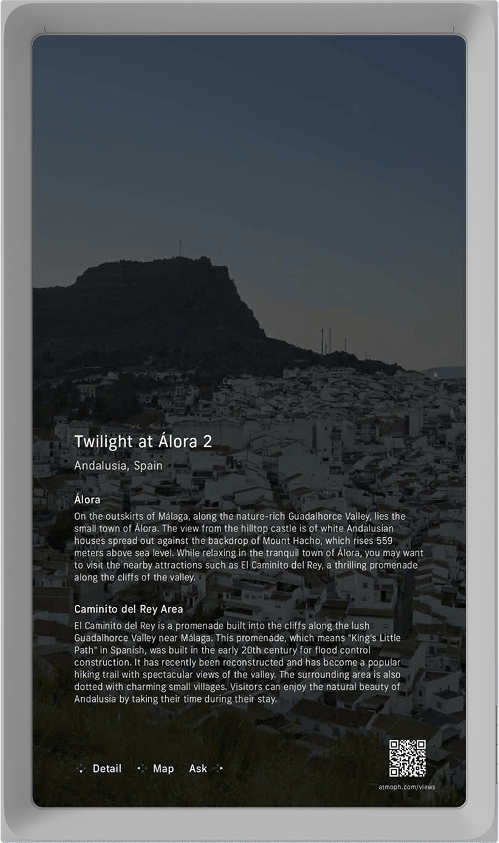
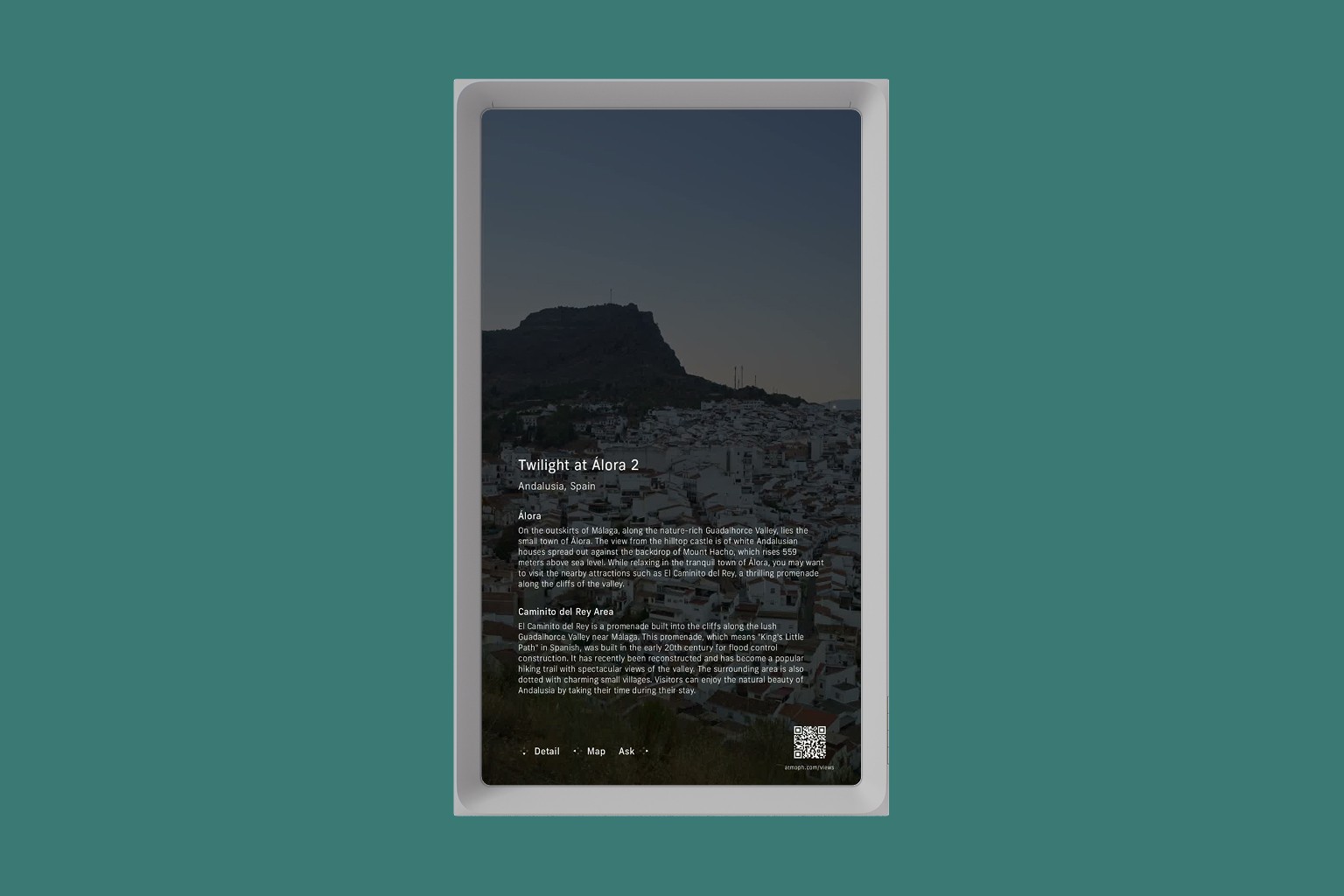
While a view is playing, press Scope’s MAIN button to overlay a summary of info on the view.
Get a quick sense of the place, then use the D-pad to jump to the detail page, map, or Ask. A QR code in the lower right opens the view’s website—sharing is easy too.
Voice input from your smartphone
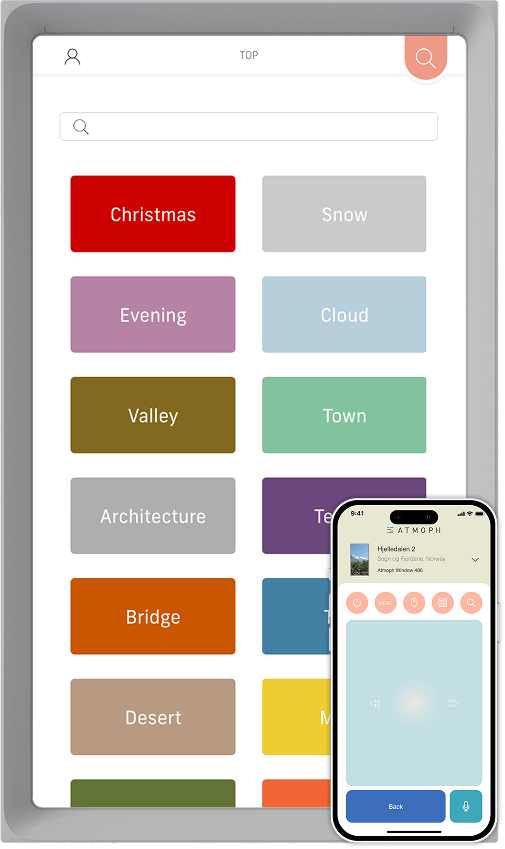
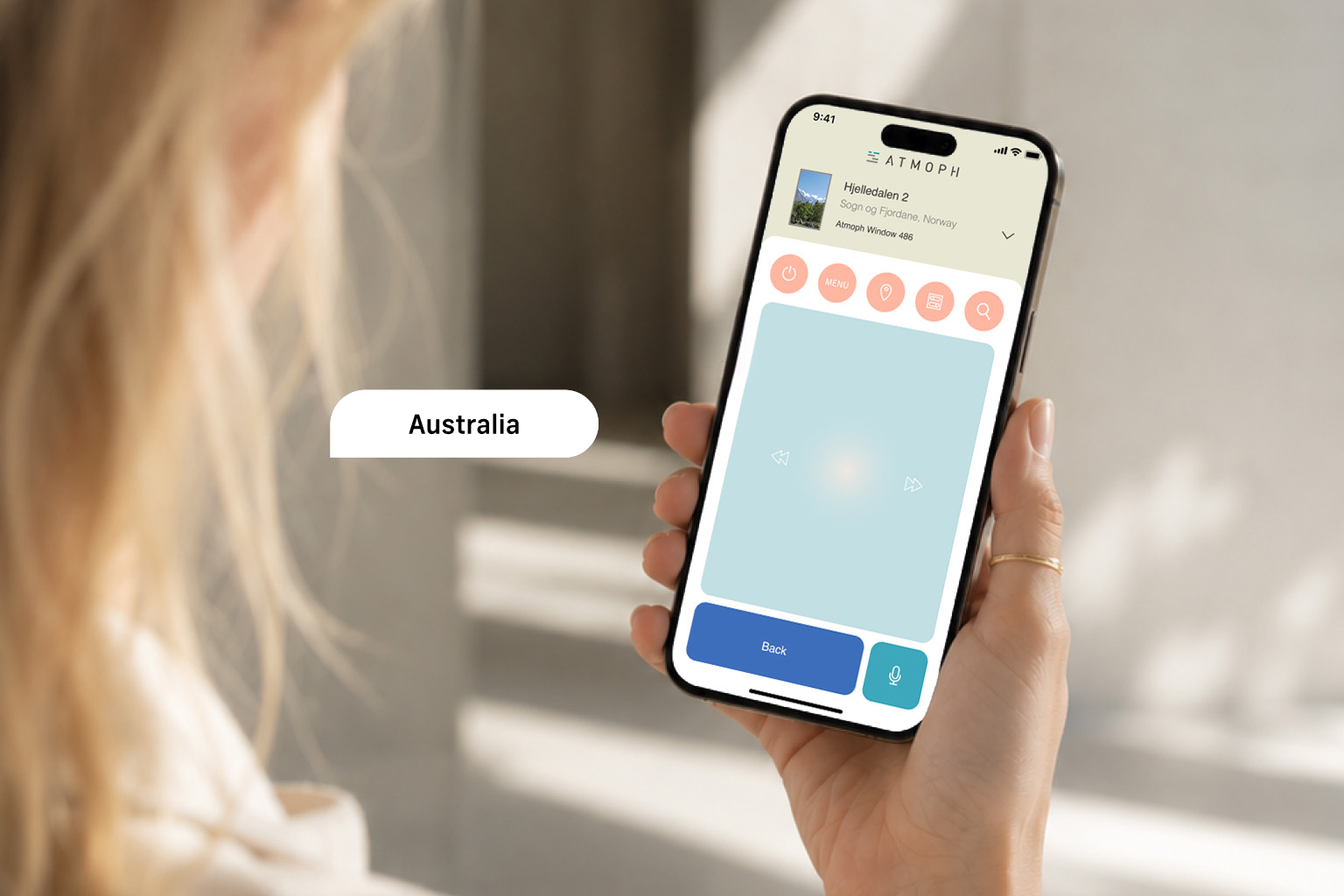
Update the smartphone app to v2.4.0 or later to enable voice input. Tap the mic button at the lower right to enter input mode (long-press to choose the input language), then say something like “Australia” to search for Australian views.
You can also chat with Ask’s Ring using the same voice input.
Tweaks and bug fixes
- Adjusted Auto so newer views appear more often
- Fixed an issue where the screen could stay black right after startup
- Fixed an issue where Live playback could stop mid-stream
- Other minor bug fixes and stability improvements

With Atmoph Window Yo v2.0,
discover more of the world beyond your window.
* Ask answers are generated by AI based on pre-researched information. We tune for accuracy, but some answers may be incorrect. Limitless subscribers have unlimited use; non-subscribers can use it up to 3 times per day.
* Atmoph Scope is required for Scope-based controls.
* The smartphone app requires a phone running iOS 16 or later, or Android 10 or later.